How to Boost Home Security with AI Surveillance
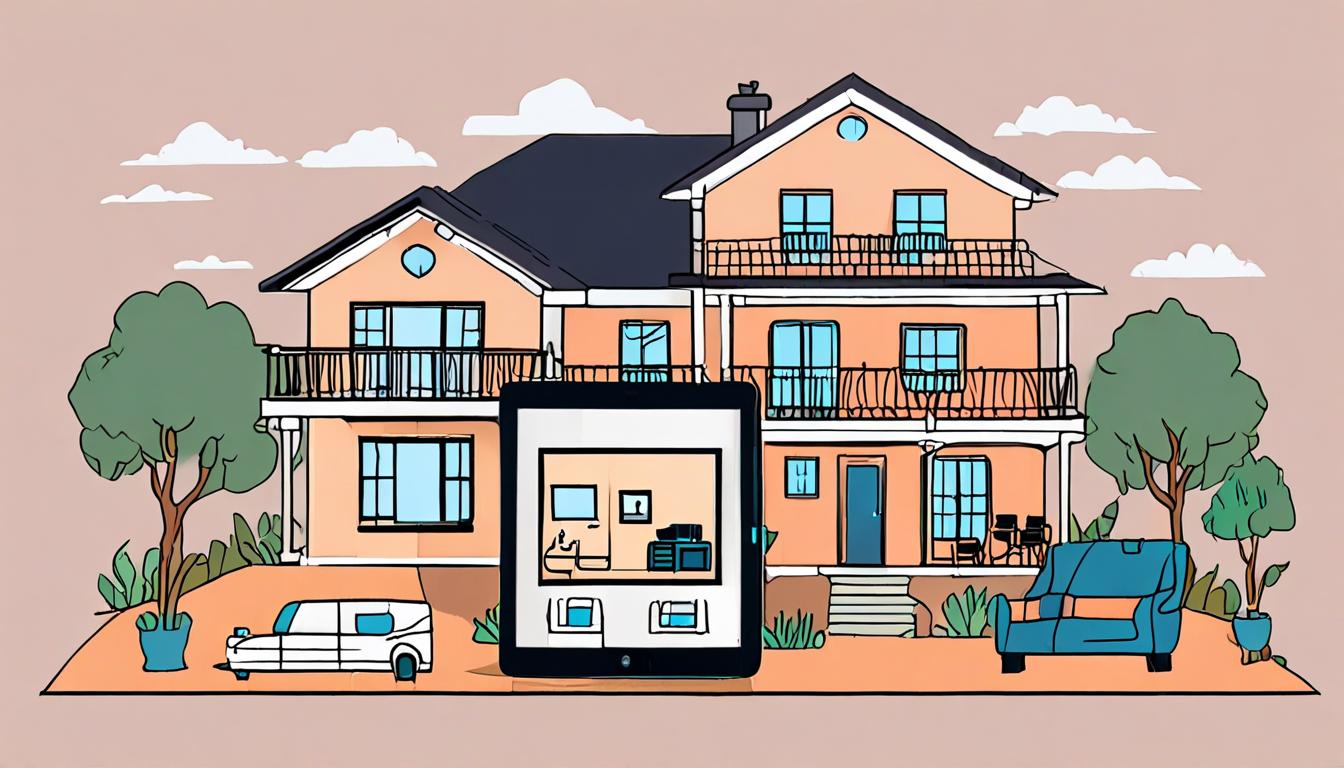
Keeping your home and loved ones safe is a top priority, but it can be challenging to stay on top of security with a busy schedule. Fortunately, advancements in technology have made it easier to protect your home with minimal effort. By installing AI-powered surveillance systems, you can enjoy an added layer of security and peace of mind, even when you're not at home.
Introduction to AI Surveillance
AI surveillance uses cameras with built-in computer systems to monitor and analyze footage. These systems can detect and alert you to potential security threats, such as intruders or suspicious activity.
For example, if someone enters your backyard at night, the camera can detect the motion and send you a notification. > Ask your AI assistant to "turn on the backyard camera and start recording" when you're not at home.
This allows you to check the footage remotely and take action if necessary. AI surveillance systems can also learn your daily routines and adjust their alerts accordingly, reducing false notifications.
Choosing the Right Camera System
When selecting a camera system, consider the areas of your home you want to monitor and the level of detail you need. For example, if you have a large backyard, you may want to install cameras with wide-angle lenses and night vision capabilities to capture clear footage in low light.
To determine the best camera placement, walk through your home and identify potential entry points, such as doors and windows. > Ask your AI assistant to "create a floor plan of my home with suggested camera locations" to help visualize your security setup.
Weather-resistant cameras are a must for outdoor installation, while indoor cameras can be more discreet and blend in with your decor.
Installation and Setup
To install your camera system, start by placing cameras in strategic locations, such as near entry points or in areas with valuable items. For example, you might place a camera near your front door to capture footage of visitors or potential intruders.
Once your cameras are in place, connect them to your network and power them on. You'll then need to configure your system's settings, including motion detection and alert notifications. > Set up my security cameras to alert me when motion is detected between 10pm and 6am Follow the manufacturer's instructions to complete the setup process, and test your system to ensure it's working correctly.
Monitoring and Alerts
To get the most out of your AI surveillance system, you need to set up a monitoring and alert system. This allows you to receive notifications when the system detects unusual activity. For example, if you have a camera installed near your front door, you can set it to alert you when someone approaches the door during nighttime hours.
You can customize the alert settings to suit your needs. If you have a regular visitor, such as a family member who comes home late from work, you can adjust the system to ignore their movements.
Maintenance and Updates
Regular software updates are essential to ensure your AI surveillance system runs smoothly and securely. Check the manufacturer's website for updates and follow their instructions to install them. This will help fix any bugs and add new features to your system.
To keep your cameras functioning properly, clean the lenses regularly with a soft cloth and check for any damage or wear. For example, if you have cameras installed near your front door, make sure to wipe down the lenses after a rainy or snowy day to prevent water spots.
Quick checklist
- ☐ Research and choose a reputable camera brand
- ☐ Install cameras in strategic locations
- ☐ Set up motion detection and alerts
- ☐ Test and adjust camera settings
- ☐ Regularly update camera software
FAQ
Do AI-powered surveillance cameras require technical expertise?
No, most AI-powered surveillance cameras are designed to be user-friendly and easy to install and use.
Can AI-powered surveillance cameras be integrated with other smart devices?
Yes, many AI-powered surveillance cameras can be integrated with other smart devices, such as doorbells and thermostats.
Do AI-powered surveillance cameras record continuously?
No, many AI-powered surveillance cameras only record when motion is detected, to conserve storage space and reduce false alerts.
Found this useful? Tip the studio in crypto
Every EVM chain works. USDC on Base is recommended: fees are a fraction of a cent. No account needed — it goes straight to the creator's wallet.
0x13dd72Fa0E7504790585D92bD98c720f6fD2aBa6More from HowToAI
How to Transcribe Podcasts with AI Tools
Learn to transcribe podcasts quickly and accurately using AI-powered voice recognition tools and software
How to Create Engaging AI Presentations
Discover how to make stunning presentations with AI-generated images and templates easily

How to Leverage AI for Faster Support
Improve customer service response times with AI-powered chatbots and efficient support systems
How to Use AI for Language Interpretation
Learn to use AI translators for real-time language interpretation at meetings and conferences