How to Create AI Email Newsletters Fast
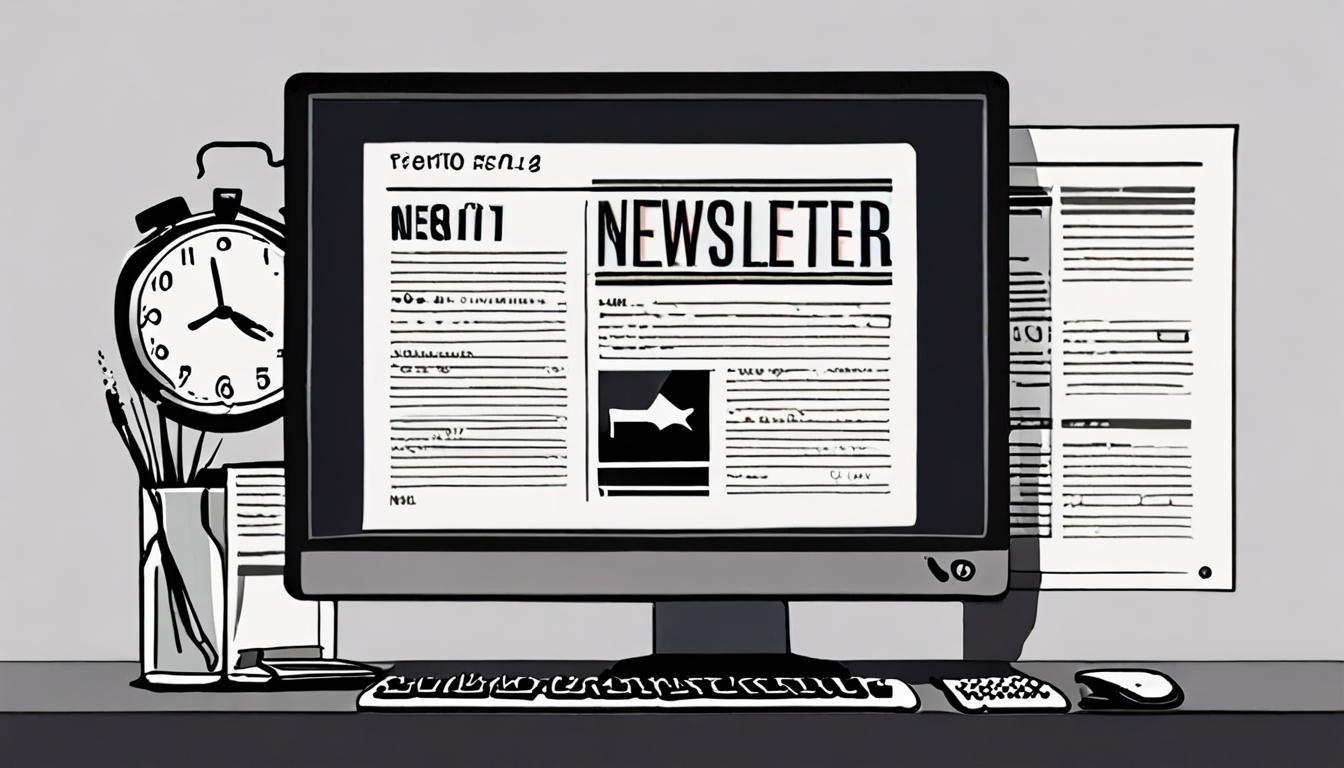
Creating an email newsletter can be a time-consuming task, especially for those with limited technical expertise. However, with the right approach, you can produce a professional-looking newsletter quickly and efficiently. By leveraging simple tools and templates, you can save time and focus on what matters most - sharing your message with your audience and growing your community. This guide will show you how.
Introduction to AI Newsletters
AI newsletters are automated email updates that use artificial intelligence to gather and share relevant information with subscribers. They can be a great way to stay in touch with customers, share industry news, or promote products and services.
For example, a bookstore might create an AI newsletter that sends out a monthly list of new releases in a particular genre. To get started, you'll need to choose an AI tool that can help you design and customize your newsletter. You can ask an AI assistant to suggest a template by providing a prompt like
Write a template for a monthly email newsletter about new fiction book releases.
Choosing an AI Tool
To create an AI email newsletter, you need to select a suitable AI tool. This tool should be able to generate content, format your newsletter, and possibly even send it to your subscribers.
When choosing an AI tool, consider the type of content you want to include in your newsletter. For instance, if you're a blogger, you might want an AI tool that can summarize your latest posts and add them to the newsletter.
Write a template for a weekly email newsletter that includes a summary of my 3 latest blog posts and a featured image
Look for an AI tool that integrates with your existing email service provider to make sending and tracking easier.
Designing Your Newsletter
When designing your newsletter, consider the layout and structure. A clear and simple design will make it easy for readers to scan and understand the content. Use a standard font and a consistent color scheme to give your newsletter a professional look.
For example, a newsletter about upcoming events could include a calendar section, a list of featured events, and a brief description of each event. To get started, you can ask an AI assistant to suggest a design by providing a prompt like
Write a template for a monthly email newsletter that includes a calendar of upcoming events and a featured image.
This will give you a starting point to work from, and you can customize the design to fit your needs. Keep your design consistent across all sections of the newsletter to create a cohesive look.
Customizing Content
To tailor your newsletter to your audience, you can customize the content by adding or removing sections. For instance, if your newsletter is about new music releases, you can add a section that showcases upcoming concerts or festivals.
You can also use an AI assistant to generate content for specific sections, such as a summary of recent news or a list of recommended articles.
Write a brief summary of the latest news in the music industry, including new album releases and artist collaborations.
This way, you can ensure that your newsletter stays up-to-date and engaging for your readers, without having to spend too much time researching and writing the content yourself.
Sending and Tracking
Once you've customized your newsletter, it's time to send it to your subscribers. You can use your AI tool to schedule the newsletter to be sent automatically at a specific time and frequency.
For instance, if you have a monthly newsletter, you can schedule it to be sent on the first day of every month. To track the performance of your newsletter, look for features in your AI tool that provide metrics such as open rates and click-through rates.
Write a report on the performance of my last email newsletter, including open rates, click-through rates, and suggestions for improvement.
This will help you understand how your audience is engaging with your content and make data-driven decisions to improve your newsletter. By analyzing these metrics, you can refine your content and design to better meet the needs of your subscribers.
Quick checklist
- ☐ Choose an AI email newsletter tool
- ☐ Select a pre-designed template
- ☐ Add your own content and images
- ☐ Customize the design and layout
- ☐ Schedule and send your newsletter
FAQ
What is an AI-generated email newsletter?
An AI-generated email newsletter is a newsletter created with the help of artificial intelligence tools, which can automate tasks such as content generation and design.
Do I need to have design experience to create an AI-generated email newsletter?
No, you don't need design experience to create an AI-generated email newsletter, as most AI tools offer user-friendly interfaces and templates.
Can I personalize my AI-generated email newsletter?
Yes, you can personalize your AI-generated email newsletter by adding your own content, images, and branding.
Found this useful? Tip the studio in crypto
Every EVM chain works. USDC on Base is recommended: fees are a fraction of a cent. No account needed — it goes straight to the creator's wallet.
0x13dd72Fa0E7504790585D92bD98c720f6fD2aBa6More from HowToAI

How to Create AI Business Cards Fast
Design professional AI-generated business cards in minutes with our easy guide

How to Use AI for Fast Language Translation
Translate documents quickly with AI assistants in minutes, learn how
How to Use AI for Personalized Emails
Learn to write and send personalized customer follow-up emails using AI assistants in minutes

How to Create Customizable AI Meal Plans in 30 Minutes
Generate healthy meal plans and grocery lists with AI in minutes, easy and fast