How to Create AI-Generated Brochures in Under 30 Minutes
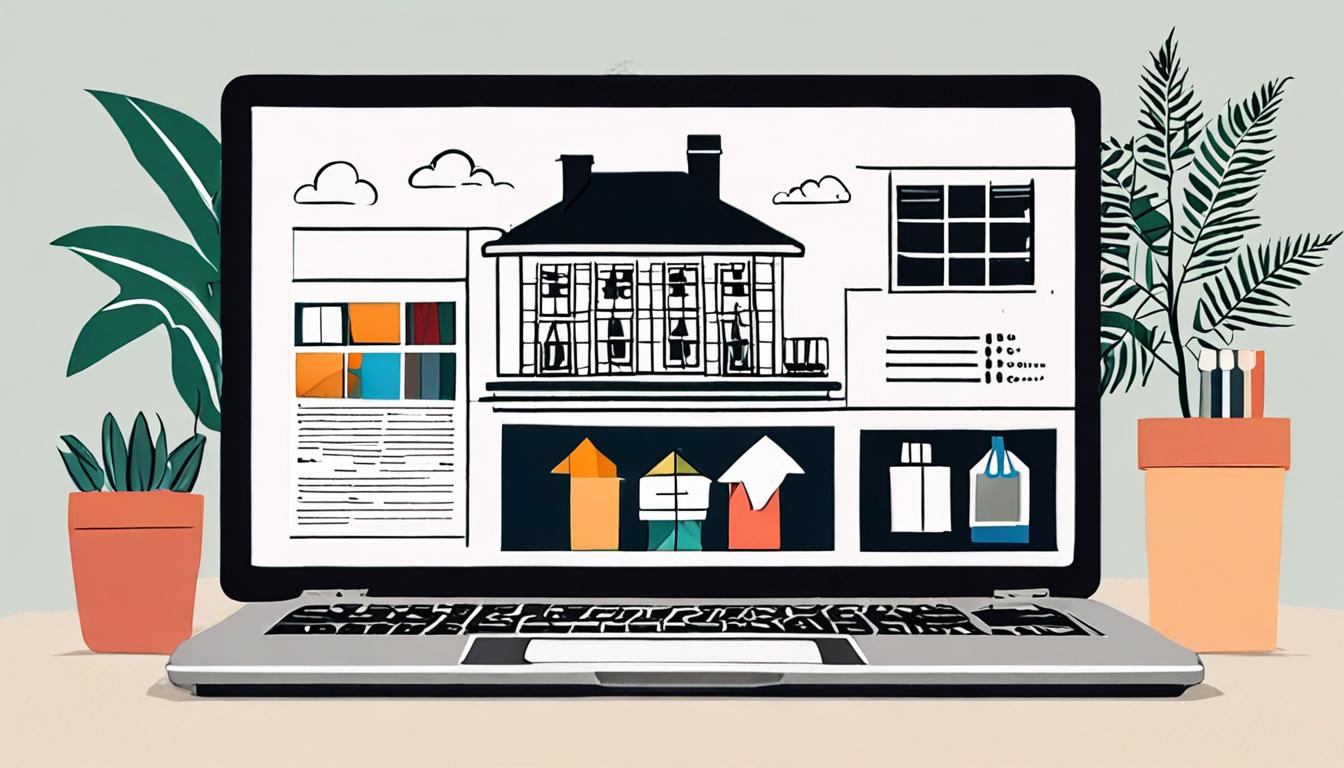
Creating professional-looking brochures can be a time-consuming task, but it doesn't have to be. With the help of AI-generated design tools, you can produce high-quality brochures quickly and easily, even if you have no design experience. This guide will walk you through the simple steps to create a brochure in under 30 minutes, perfect for busy individuals who need to promote their business or event with minimal fuss.
Getting Started with AI Design
To begin, consider what you want to achieve with your brochure. Think about the purpose, the target audience, and the key message you want to convey. For example, if you're a real estate agent, you might want to create a brochure that showcases a new property listing.
Start by defining your design requirements. This will help you choose the right template and customize it effectively. You can ask an AI assistant to generate ideas by providing a prompt like
Create a modern and sleek brochure design for a luxury real estate property, including a cover page, property features, and contact information.
This will give you a solid foundation to work from and help you create a professional-looking brochure in no time.
Choosing a Template
When selecting a template, consider the type of content you want to feature in your brochure. For a real estate brochure, you may want a template that includes space for property images, descriptions, and contact information.
A good template should be clean, simple, and easy to navigate. For example, a template with a bold cover page, followed by interior pages that include sections for property highlights and amenities, can be an effective way to showcase a listing. > Generate a template for a tri-fold brochure with a cover page, two interior pages, and a back cover, including space for images, headings, and body text.
Look for templates that are customizable, so you can easily add your own content and make changes as needed.
Customizing Your Brochure
To give your brochure a personal touch, focus on customizing the layout and design elements. Consider adding a high-quality image that represents your brand or the main theme of your brochure. For instance, if you're creating a brochure for a travel agency, you could add a stunning photo of a popular destination.
You can also use an AI assistant to generate ideas for your brochure's design. > Create a modern and sleek brochure design that incorporates a bold color scheme and minimalist typography, suggesting three different font styles and color palettes.
By customizing your brochure's design, you can make it more engaging and effective at conveying your message. This will help you stand out and leave a lasting impression on your audience.
Adding Property Details
When adding property details, focus on including essential information that will grab the reader's attention. For instance, if you're creating a brochure for a residential property, you might include details such as the number of bedrooms and bathrooms, square footage, and any notable features like a backyard or pool.
To quickly generate a list of property features, you can use an AI assistant with the following prompt:
Describe a luxurious 3-bedroom house with a modern kitchen and a spacious backyard, including at least 5 key amenities.
This will help you create a comprehensive and engaging description of the property, which you can then customize to fit your brochure's design and tone.
Finalizing Your Design
Once you have added all the necessary details, review your brochure for consistency and flow. Check that the layout is balanced and the text is easy to read.
For example, if you're creating a brochure for a luxury home, ensure that the images and descriptions align with the high-end features of the property.
Create a final version of my brochure with a cover page, 3 inside pages, and a back cover, using the design elements and content I have selected so far.
Make any last-minute adjustments to the design, and then you're ready to export your brochure as a printable PDF or share it digitally with your audience.
Quick checklist
- ☐ Select an AI design tool
- ☐ Choose a pre-made template
- ☐ Upload property photos and details
- ☐ Customize colors and fonts
- ☐ Download and print your brochure
FAQ
What if I have no design experience?
AI design tools are user-friendly and require no prior design experience, making it easy for anyone to create a brochure.
Can I use my own images?
Yes, you can upload your own images to customize your brochure and make it more personalized.
How long does it take to design a brochure?
With AI design tools, you can create a brochure in under 20 minutes, saving you time and effort.
Found this useful? Tip the studio in crypto
Every EVM chain works. USDC on Base is recommended: fees are a fraction of a cent. No account needed — it goes straight to the creator's wallet.
0x13dd72Fa0E7504790585D92bD98c720f6fD2aBa6More from HowToAI
How to Automate Bookkeeping with AI Assistants Daily
Simplify bookkeeping tasks using AI assistants in minutes a day
How to Use AI for Personalized Study Plans
Create a customized study schedule with AI assistants in minutes, boost productivity and grades
How to Use AI for Custom Phone Wallpapers
Create custom phone wallpapers and social media graphics using AI image tools in minutes

How to Automate Data Entry with AI Assistants
Learn to automate data entry tasks from spreadsheets using AI assistants in minutes, saving time and…