How to Boost Productivity with AI-Powered To-Do List Management
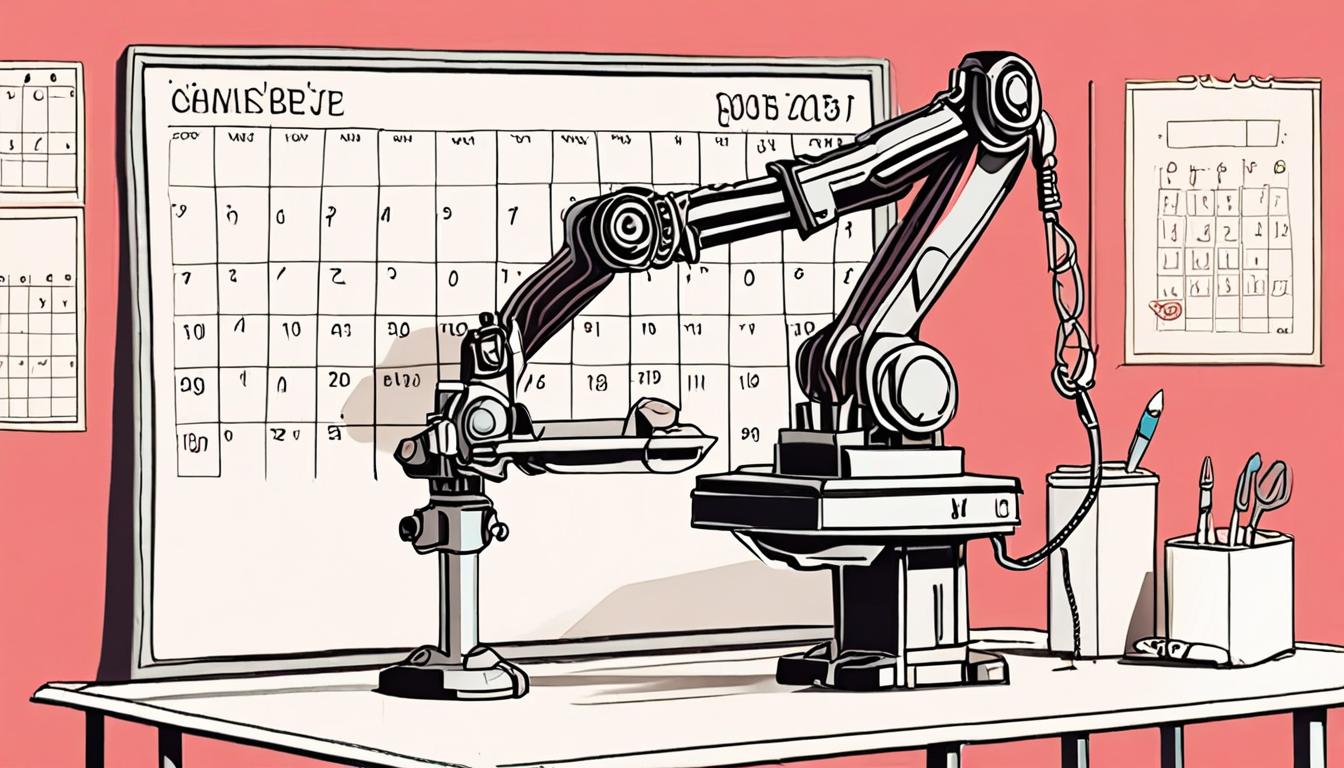
Staying organized and managing tasks efficiently is crucial for busy individuals. With numerous tasks and responsibilities, it can be overwhelming to keep track of everything. AI-powered to-do list management offers a solution, helping users prioritize and organize tasks, set reminders, and track progress. By leveraging this technology, individuals can streamline their workflow and boost productivity, achieving more in less time. This guide will show you how to get started.
Getting Started with AI Tools
To begin using AI tools for to-do list management, start by exploring available options and reading reviews from other users. Consider what features are essential to you, such as task reminders, calendar integration, or collaboration tools.
A simple way to get started is to ask an AI assistant to help you generate a to-do list for the day. For example, if you have a meeting at 10am and a deadline to finish a project, you can ask the AI to prioritize your tasks accordingly. > Create a daily to-do list with a meeting at 10am and a project deadline at 5pm, and suggest the most important tasks to complete first.
This can help you quickly create a schedule and focus on the most critical tasks.
Choosing the Right AI App
When selecting an AI app for to-do list management, consider the features that matter most to you. Think about the types of tasks you need to manage and the frequency of reminders you prefer. For instance, if you have a lot of recurring tasks, look for an app that allows you to set repeating reminders.
Some AI apps also offer integration with other tools, such as calendar or email clients. To get the most out of your AI app, try using it to generate task suggestions based on your schedule and priorities. You can ask your AI assistant to
suggest tasks for the day based on my upcoming events and deadlines.
This can help you stay focused on what needs to be done and make the most of your time. By choosing an app that fits your needs and workflow, you can streamline your task management and boost your productivity.
Setting Up Task Reminders
To stay on track, it's essential to set up task reminders that alert you when a deadline is approaching. This can be done by integrating your to-do list with a calendar or setting up notifications within the app. For instance, if you have a project due on Friday, you can set a reminder for Wednesday to review your progress and make any necessary adjustments.
Set a reminder for me to review my project progress on Wednesday at 2 PM
This allows you to stay focused on the task at hand and avoid last-minute rushes. By setting up task reminders, you can ensure that you never miss a deadline and can manage your time more effectively.
Customizing Your To-Do List
To tailor your to-do list to your needs, prioritize tasks based on their importance and deadlines. For instance, if you have a project due soon, you can categorize tasks into "urgent" and "non-urgent" groups to help you stay focused.
You can also use AI assistants to help you customize your list by asking them to suggest tasks based on your schedule and preferences.
By doing so, you can create a personalized to-do list that helps you manage your time more efficiently and achieve your goals.
Tips for Maximizing Productivity
To maximize productivity, it's crucial to minimize distractions and stay focused on high-priority tasks. One way to achieve this is by creating a conducive work environment that promotes concentration.
For instance, consider dedicating a specific area for work, free from noise and interruptions. This simple adjustment can significantly improve your ability to stay on track.
When you need help with task prioritization, you can ask for assistance with
"What are the most critical tasks I need to complete today to meet my goals?"
Quick checklist
- ☐ Download an AI-powered task management app
- ☐ Create an account and set up your profile
- ☐ Link your calendar and integrate other tools
- ☐ Customize your task settings and preferences
- ☐ Start generating AI-created to-do lists and reminders
FAQ
Do I need to have technical knowledge to use AI for to-do lists?
No, most AI tools are designed to be user-friendly and accessible to non-technical users.
Can I customize the tasks and reminders generated by AI?
Yes, many AI apps allow you to customize tasks and reminders to fit your specific needs and preferences.
Are AI-created to-do lists and task reminders secure?
Reputable AI apps prioritize security and protect your data with encryption and secure servers.
Found this useful? Tip the studio in crypto
Every EVM chain works. USDC on Base is recommended: fees are a fraction of a cent. No account needed — it goes straight to the creator's wallet.
0x13dd72Fa0E7504790585D92bD98c720f6fD2aBa6More from HowToAI
How to Create AI Transcripts Quickly
Learn to generate AI transcripts of audio and video files in minutes with easy steps
How to Create AI Certificates in Minutes with Automated Templates
Design personalized AI-generated certificates and awards in minutes for employees and students

How to Use AI for Custom Packaging Designs
Create custom packaging and labels for e-commerce products quickly with AI image tools

How to Use AI for Gift Ideas and Presentations
Create unique AI-generated gift ideas and presentations in minutes for special occasions