How to Enhance Your Photos with AI Editing in 30 Minutes
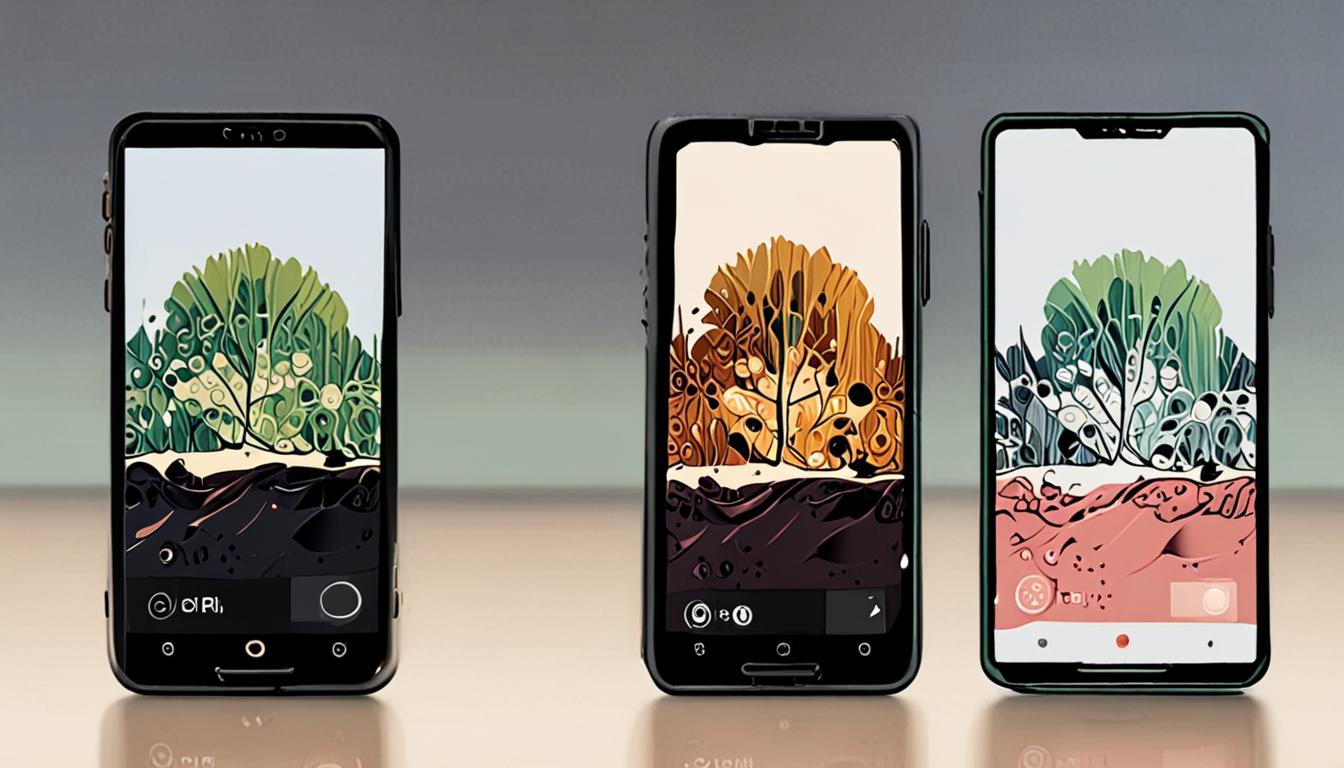
With the rise of smartphone photography, capturing great moments has never been easier. However, making those photos truly stand out can be time-consuming and require technical expertise. Fortunately, AI editing tools have simplified the process, allowing you to enhance your photos quickly and easily. In just 30 minutes, you can transform your ordinary photos into stunning visuals that impress friends and family.
Getting Started with AI Editing
To begin enhancing your photos with AI editing, start by selecting a photo you'd like to improve. For example, choose a landscape photo with a dull sky.
Open your chosen AI editing software and upload the photo. You can then ask the AI assistant to suggest edits, such as improving the sky.
Make the sky in this photo a brighter blue with more defined clouds
This prompt will allow the AI to make adjustments to the sky, enhancing the overall appearance of your photo. Most AI editing software will provide a range of automatic editing options, allowing you to quickly compare different versions of your photo.
Choosing the Right Software
When selecting a software for AI editing, consider the type of edits you want to make. If you're looking to remove blemishes or objects from a photo, look for software with advanced retouching tools. For example, if you have a photo of a cityscape with a car in the foreground that you want to remove, choose a software that can handle complex object removal.
To find the right software, you can ask for recommendations.
"Suggest AI photo editing software for a beginner with basic computer skills"
This will help you narrow down your options and find a software that fits your needs and skill level.
Basic Editing Techniques
To enhance your photos, start with basic adjustments like brightness, contrast, and saturation. These simple edits can greatly improve the overall look of your image. For example, if you have a photo of a sunset, you can increase the saturation to make the colors more vibrant.
When making these adjustments, it's essential to strike a balance between enhancing the image and over-editing it. You can use the software's built-in tools to compare the original photo with the edited version. If you need help with suggestions for editing, you can ask an AI assistant
"Suggest three basic edits to improve the lighting in this photo"
to get ideas for improving your image.
Advanced AI Features
Advanced features in AI editing software can help you achieve more complex edits. For instance, you can use the AI's object removal tool to eliminate unwanted objects from your photo. Suppose you have a picture of a beautiful landscape, but there's a trash can in the corner that detracts from the scene.
You can use the object removal tool to delete the trash can and seamlessly blend the surrounding area. To get suggestions for more advanced edits, you can ask an AI assistant
"Suggest three advanced edits to enhance the composition of this landscape photo" to get ideas for improving your image. This can help you take your photo editing to the next level and create stunning results.
Saving and Sharing
Once you've made the desired edits to your photo, it's time to save and share it. Most AI editing software will provide options to save your photo in various formats, such as JPEG or PNG.
When saving, consider the intended use of the photo. For example, if you're sharing it on social media, you may want to save it in a format that is optimized for web use.
"Suggest the best file format for sharing photos on social media" to get a recommendation.
After saving, you can share your edited photo with others by uploading it to your preferred social media platform or sending it via email. You can also print your edited photo or use it in a digital project, such as a presentation or website.
Quick checklist
- ☐ Download and install AI editing software
- ☐ Upload your photo to the software
- ☐ Apply basic editing adjustments
- ☐ Experiment with advanced AI features
- ☐ Save and export your edited photo
FAQ
Do I need to be a photographer to use AI editing software?
No, AI editing software is designed for users of all skill levels.
Can I use AI editing software on my smartphone?
Yes, many AI editing software options have mobile apps.
Will AI editing software replace my manual editing skills?
AI editing software is meant to enhance and automate certain tasks, not replace your skills.
Found this useful? Tip the studio in crypto
Every EVM chain works. USDC on Base is recommended: fees are a fraction of a cent. No account needed — it goes straight to the creator's wallet.
0x13dd72Fa0E7504790585D92bD98c720f6fD2aBa6More from HowToAI

How to Create Infographics with AI Tools
Learn to design eye-catching infographics using AI graphic design tools with our step-by-step guide

How to Create AI Social Media Videos
Learn to make engaging social media videos with AI-generated voiceovers and music easily

How to Boost Home Security with AI Surveillance
Discover how AI-powered surveillance cameras can enhance home security and provide peace of mind for…
How to Transcribe Podcasts with AI Tools
Learn to transcribe podcasts quickly and accurately using AI-powered voice recognition tools and software